
Getting started · Difficulty
Gothic 1 Remake Difficulty: Which Mode Should You Pick?
The Gothic 1 Remake difficulty screen is the first real decision the game puts in front of you — and unlike most modern RPGs, it is locked for that save. There is no in-game menu to raise or lower it later. Enemies do not scale to your level, so picking the wrong Gothic 1 Remake difficulty setting means the opening hours feel either trivially easy or brutally punishing with no relief valve. The picker and the breakdown below help you choose the right setting before the loading screen appears.
Interactive tool
Which difficulty should I pick?
Have you played a Gothic game before?
What do you want most from this run?
How do you feel about brutal, unforgiving fights?
Answer all 3 to see your recommended difficulty.
The 30-second verdict
Gothic 1 Remake difficulty in 30 seconds
Everything you need to know about Gothic 1 Remake difficulty modes before the full breakdown — how many options there are, which one is recommended, what happens if you want to switch, and how enemies behave regardless of your setting.
The one irreversible choice
Your Gothic 1 Remake difficulty is locked for the save
Unlike most modern action RPGs, the Gothic 1 Remake difficulty you select at character creation cannot be changed mid-run. Choose deliberately — you only get one shot per save.
When you start a new game, the Gothic 1 Remake difficulty screen appears before you take your first step as a prisoner. The choice you make there is permanent for that playthrough. There is no slider in the pause menu, no “lower the difficulty” button buried in options, and no NPC who lets you rebalance the world mid-chapter. The only way onto a different Gothic 1 Remake difficulty setting is a fresh playthrough.
This matters because the game does not ease you in regardless of which Gothic 1 Remake difficulty you choose. The penal colony is a sealed, hostile place. Enemies occupy fixed positions and respawn on timers — they do not scale to your level.
A snapper at the edge of the camp area is just as deadly on day one as it is twenty hours in. That design philosophy is the same on every difficulty mode; what changes is how much damage you deal and take, how much experience you earn, and how generous the merchants are.
The practical upshot is that your Gothic 1 Remake difficulty decision shapes your experience of the entire first chapter. If you pick Gothic (the intended, recommended setting) and the opening hours feel overwhelming, you cannot quietly drop to Novice. Plan around that constraint, and use the picker above if you are still deciding.
All four options
Gothic 1 Remake difficulty settings compared: Novice, Gothic, Hard
Three named presets plus a fully configurable Custom mode cover every kind of player, from story-first newcomers to veterans who want a punishing survival grind.
The Gothic 1 Remake difficulty settings do not just tweak a single damage slider — they affect how much XP you earn per kill, how merchants price their goods, and how demanding every fight feels from the first hour onward. Choosing the right Gothic 1 Remake difficulty mode before you start is worth two minutes of thought.
Story-first and forgiving
- Combat
- Fights stay short and forgiving
- XP
- More experience than other modes
- Prices
- Better buy/sell prices
- Best for
- Players who want to explore and follow the plot
The intended experience
- Combat
- Demanding from the first hour, stays demanding unless you upgrade gear
- XP
- Standard
- Prices
- Standard
- Best for
- Anyone who wants Gothic the way it was designed
Slow, deliberate, punishing
- Combat
- Enemies are stronger; you must pick your battles
- XP
- Reduced — you progress more slowly
- Prices
- Standard
- Best for
- Veterans who want a survival grind
Novice is the most forgiving Gothic 1 Remake difficulty mode. Fights stay short, you earn more experience per kill, and merchants offer better prices. It is the right call if you mainly want to explore the world and follow the story without the combat getting in the way.
Gothicis the developers’ recommended setting — it is how the game was designed to be played. Combat is demanding from the first hour and never stops being demanding unless you invest in gear and weapon mastery. Standard XP and standard merchant prices keep the economy balanced the way Alkimia intended.
Hard is for veterans who want a slow survival grind. Enemies are stronger, every fight demands deliberate planning, and reduced experience means you progress more slowly. If you have completed the original Gothic and want the remake to genuinely challenge you, Hard is the setting.
Build your own challenge
Custom difficulty: tune combat, resources and progression
Custom difficulty lets you set three independent axes to build the exact challenge you want — the right call when no single preset fits your play style.
The Custom difficulty option in Gothic 1 Remake is more flexible than it first appears. Rather than a single “harder/easier” slider, it splits the experience across three separate axes. You can dial each one independently, which means a Custom difficulty run can feel completely different from any named preset.
A player who wants brutal fights but does not want to grind for XP can set Combat to Hard and Progression to fast. A player who wants the story without hunger and scarcity stressing them out can set Resource to Novice while keeping Combat and Progression at the Gothic standard. The table below shows a few useful Custom difficulty recipes.
- CombatHow much damage enemies deal and take
- ResourceHow scarce loot, food and trade goods are
- ProgressionHow fast you earn experience and level
| Goal | Combat | Resource | Progression |
|---|---|---|---|
| Tough fights, normal pace | Hard | Normal | Normal |
| Relaxed combat, scarce world | Novice | Hard | Normal |
| Story run, fast leveling | Novice | Novice | Fast |
These Custom difficulty recipes are illustrative starting points — the axes are fully independent so feel free to mix them to your own taste.
Optional extras
Modifiers: Close Combat Flow Helper and Permadeath
On top of the four difficulty modes above, two optional modifiers let you further shape how the game plays — one makes melee more forgiving, one removes all safety nets.
Modifiers sit on top of whichever difficulty setting you pick. They are independent toggles — you enable them at the difficulty screen alongside your main mode choice. There are two: one that helps with the melee feel, one that raises the stakes to the absolute maximum.
Lets any attack continue the combat flow without strict follow-up inputs — more forgiving melee.
Optional aid; can be toggled on any difficulty.
Any death wipes the whole run and forces a restart from scratch.
Cannot be enabled on Novice.
The Close Combat Flow Helper is particularly worth noting for players on Gothic or Hard difficulty who find the timing-based melee system stiff. It does not remove the challenge of a fight — enemies still hit hard on Hard — but it smooths out the melee rhythm so the combat loop feels less finicky. You can toggle it on or off without changing the underlying difficulty mode.
Permadeath is the opposite extreme: any death wipes the entire run permanently. It adds a layer of tension to every encounter that goes far beyond the base Gothic 1 Remake difficulty. Note that it cannot be enabled alongside Novice — presumably because a death-and-reset challenge makes no sense in a story-first mode.
Early-game strategy
Surviving the first hours on any Gothic 1 Remake difficulty
The opening chapter is the hardest stretch on every Gothic 1 Remake difficulty setting. A few consistent habits make the difference between dying repeatedly and building momentum.
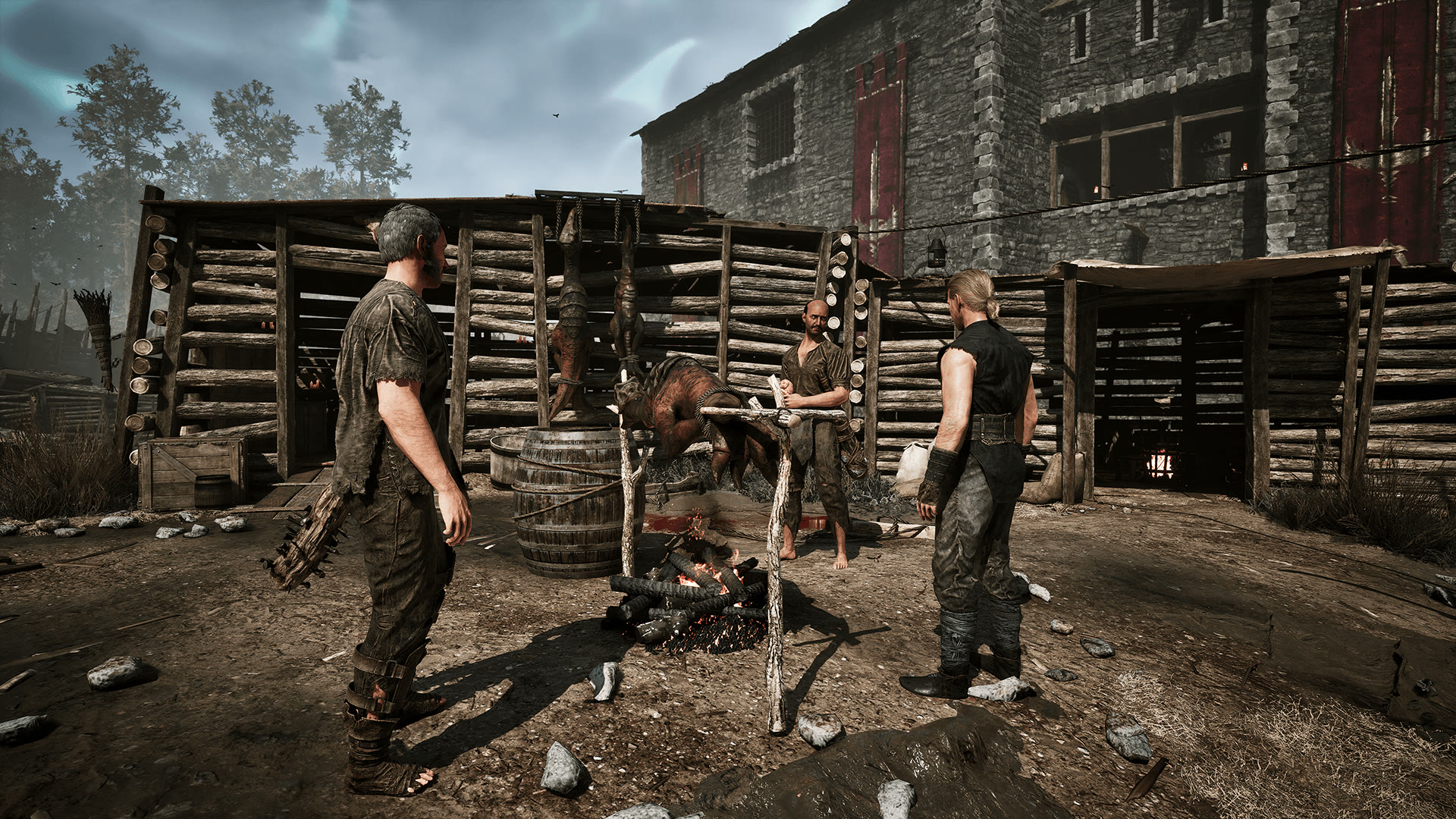
Regardless of which Gothic 1 Remake difficulty you chose, the first few hours in the penal colony follow the same survival logic. You start as a prisoner with minimal gear, a handful of hit points and no trained weapon skill. The world does not care — the creatures outside the camp gates are exactly as deadly on Novice as they are on Hard, adjusted only by the damage modifiers your Gothic 1 Remake difficulty setting applies.
The habits below apply to every Gothic 1 Remake difficulty mode. Why the early fights feel brutal and how to read each encounter is covered in detail in our Gothic 1 Remake combat guide. Once you have survived the opening chapter, the decisions about where to spend your learning points are covered in the Gothic 1 Remake build guide. And if you are still deciding which version to buy, our Gothic 1 Remake console and platforms guide compares the PS5, Xbox and PC builds. And if you are hoping to soften the curve after release, our Gothic 1 Remake mods guide covers whether mods can rebalance the difficulty at all.
Punch down first
Open on young scavengers and molerats — beatable with a basic weapon at low level. Leave wolves and bloodflies until you are trained.
Never fight a crowd
Multiple enemies will end you with no armor. Pull them one at a time, or run until only one is still chasing.
Travel behind an NPC
Follow Diego toward the Old Camp after the opening talk — escorts handle the creatures while you still earn experience.
Save before everything
Save before a key NPC, a locked chest, an unknown area or any fight. Early on your character is fragile and one mistake is fatal.
These habits hold on every Gothic 1 Remake difficulty setting, but they matter most on Gothic and Hard, where a single mistake against the wrong enemy can end a session. On Novice, combat is forgiving enough that you can recover from a bad pull — on harder settings, there is rarely a second chance.
Quick answers
Gothic 1 Remake difficulty FAQ
Can you change the difficulty after starting Gothic 1 Remake?
No. The difficulty you pick at the start is fixed for that save — there is no in-game menu to raise or lower it. The only way onto a different setting is a fresh playthrough, so choose deliberately.
Which difficulty should I choose in Gothic 1 Remake?
Gothic is the recommended, intended setting. Pick Novice if you mainly want the story and exploration, or Hard if you want a slow survival grind with reduced experience.
Is Gothic 1 Remake hard for beginners?
Yes early on. Enemies do not scale to your level and small creatures can kill you in one or two hits in the first hours. It eases up once you train a weapon skill and upgrade gear.
What does Custom difficulty change?
Custom lets you set Combat, Resource and Progression separately — for example tougher fights with normal experience, or easy combat with scarce loot.
What is Permadeath in Gothic 1 Remake?
An optional modifier where any death wipes your entire run. It cannot be turned on while playing Novice.
Gothic 1 Remake Guide
Difficulty set — now survive the colony
Once your Gothic 1 Remake difficulty is locked in, the two things that make the biggest early difference are learning how the combat system actually works and planning where to spend your learning points. Both guides are ready for you below.
Keep exploring